Thrifty Business Guide
Thrifty Business Customer Requests & Item Locations
Find every Thrifty Business customer request item. Learn which boxes to buy for Lillian, Isla, Marc, and others to get the exact items they need.
Customer requests are one of the main ways you progress in Thrifty Business. A character asks for a specific item, and you need to find it through the right box categories, display it, and let the customer buy it.
The difficult part is that request items are still random drops. Buying the right category improves your chances, but it does not guarantee the exact item immediately.
This guide gives you a character-by-character request index, the best box categories to buy, and what to do when an item refuses to appear.
For box tags and category logic, read the Thrifty Business Box Categories Guide.
For layout and shop score, read the Organization and Shop Score Guide.
Fast Answer
| If you need… | Buy or check these boxes first |
|---|---|
| Microwave | Household, then appliance-related categories |
| Dog bed | Pet |
| Sewing machine | Crafting, Household |
| Yellow chewing bone | Pet |
| Checkered mini-skirt | Clothing |
| Vintage backpack | Vintage, Bag |
| Real camera | Vintage, Electronic, Outdoor |
| Better lens | Outdoor |
| Old cookbook | Cooking, Kitchen, Book |
| VHS player | Electronic, Household, Media |
| Rolling pin | Baking, Kitchen |
| Pet bowl | Pet |
| Green vase | Decoration, Ceramic |
| Board game | Games, Toys |
A different color version of the correct item can still work, so focus on finding the right object first. Do not wait several days only because the color is not perfect.
How Customer Requests Work
Customer requests appear through messages or request screens. Once a request is active, your job is to stock the requested item and make it available in the shop.
The basic loop is:
- read the request
- identify the item type
- buy boxes from the closest matching category
- open boxes until the item appears
- display the item where it can be bought
- wait for the character to visit and complete the request
Request items are not fixed spawns. Two players may complete the same request on different days depending on box offers, category luck, and whether they already have the item in stock.
Character Request Index
Use this table when you know the character name and want to know what item to look for.
| Character | Request item | Recommended boxes | Notes |
|---|---|---|---|
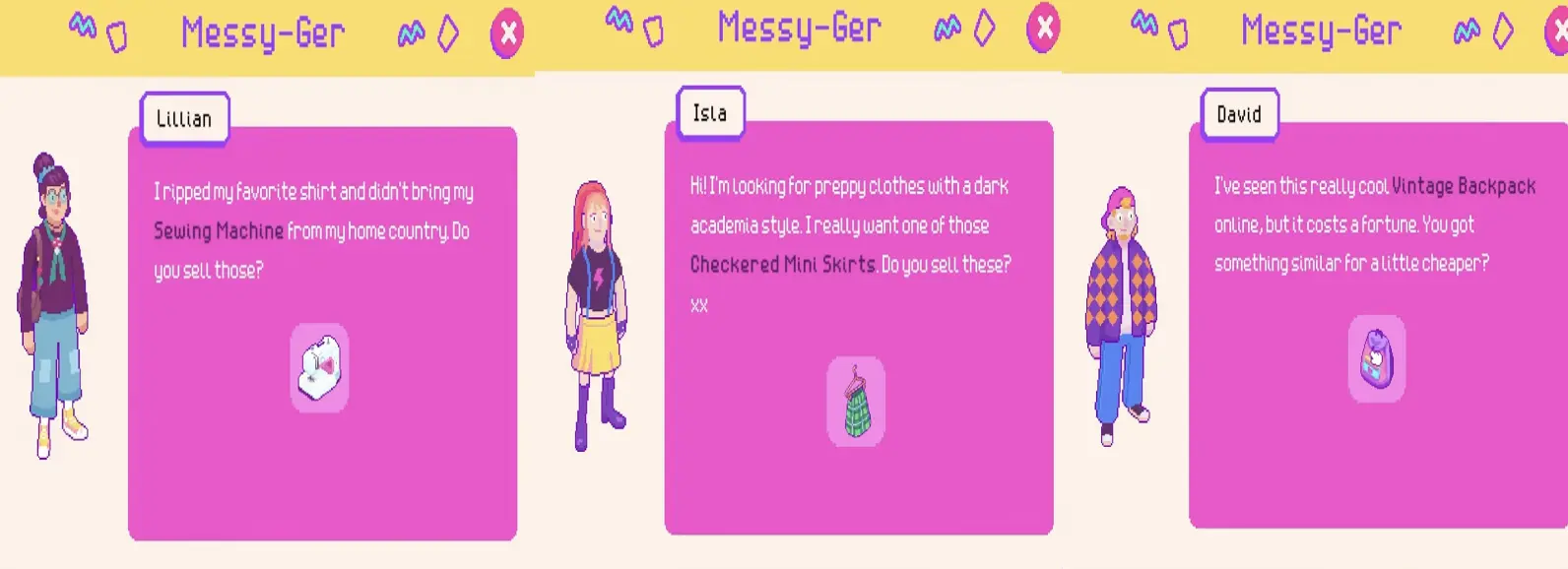
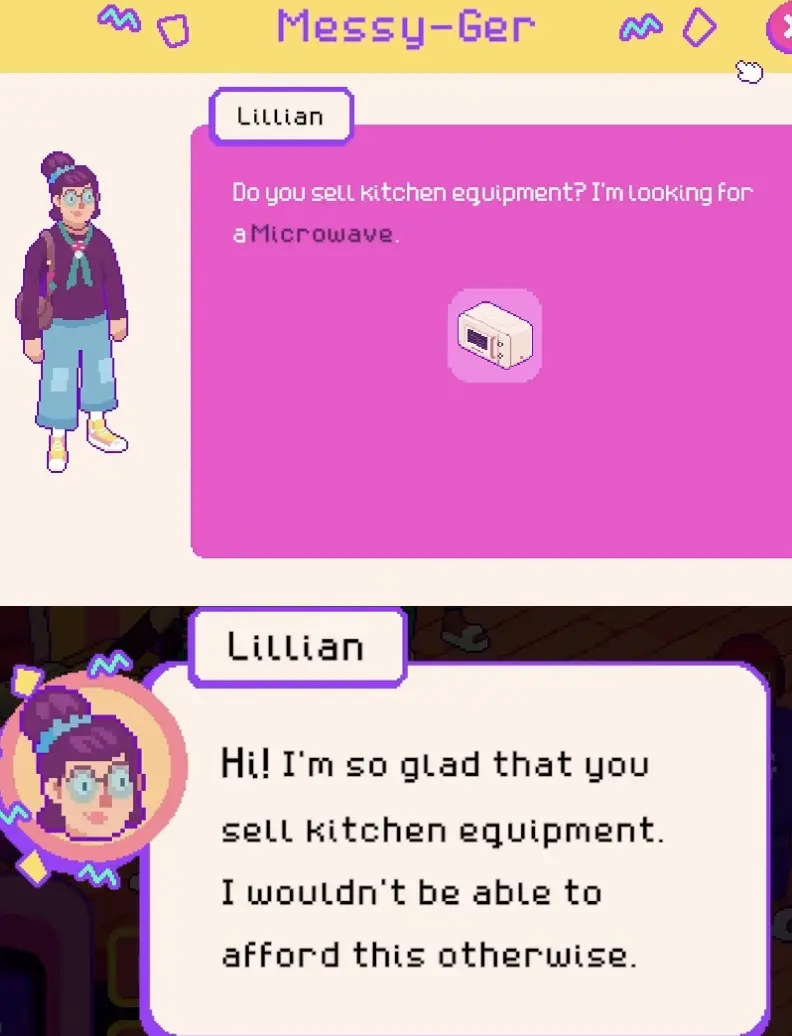
| Lillian | Microwave | Household, appliance-related categories | Early request; keep kitchen and household appliances visible |
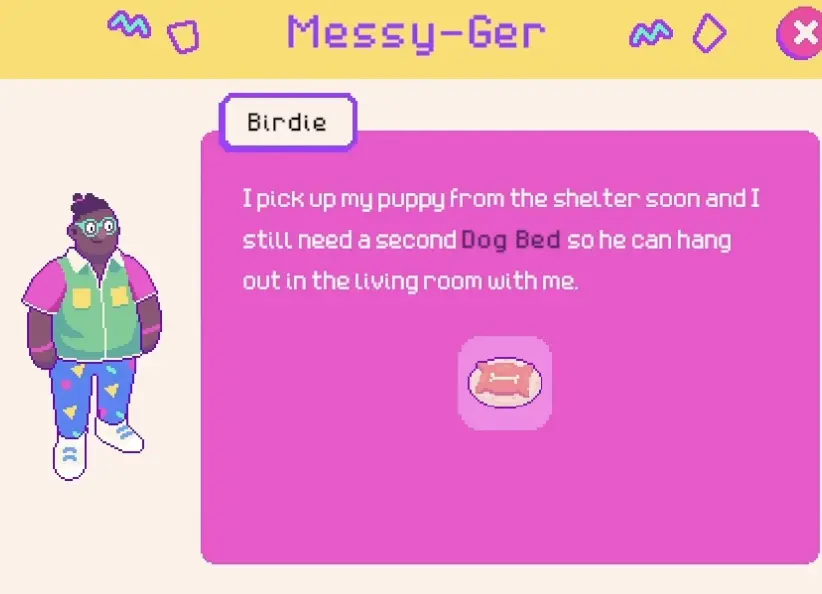
| Birdie | Dog bed | Pet | Early request; check pet boxes before random categories |
| Lillian | Sewing machine | Household, Electronic, Crafting | Early request item; easy to confuse with general household stock |
| Birdie | Yellow chewing bone | Pet | Pet request; do not wait for a perfect color if the item works |
| Isla | Checkered mini-skirt | Clothing | Needs clothing stock and proper clothing display |
| David | Vintage backpack | Vintage, Bag | Bag-style request; keep backpacks visible |
| Lotta | Real camera | Vintage, Electronic, Outdoor | First camera-related request |
| Archie | Old cookbook | Cooking, Kitchen, Book | Kitchen/book overlap |
| Marc | VHS player | Electronic, Household, Media | Retro media item |
| Marsaili | Tent | Outdoor, Camping | Outdoor progression request |
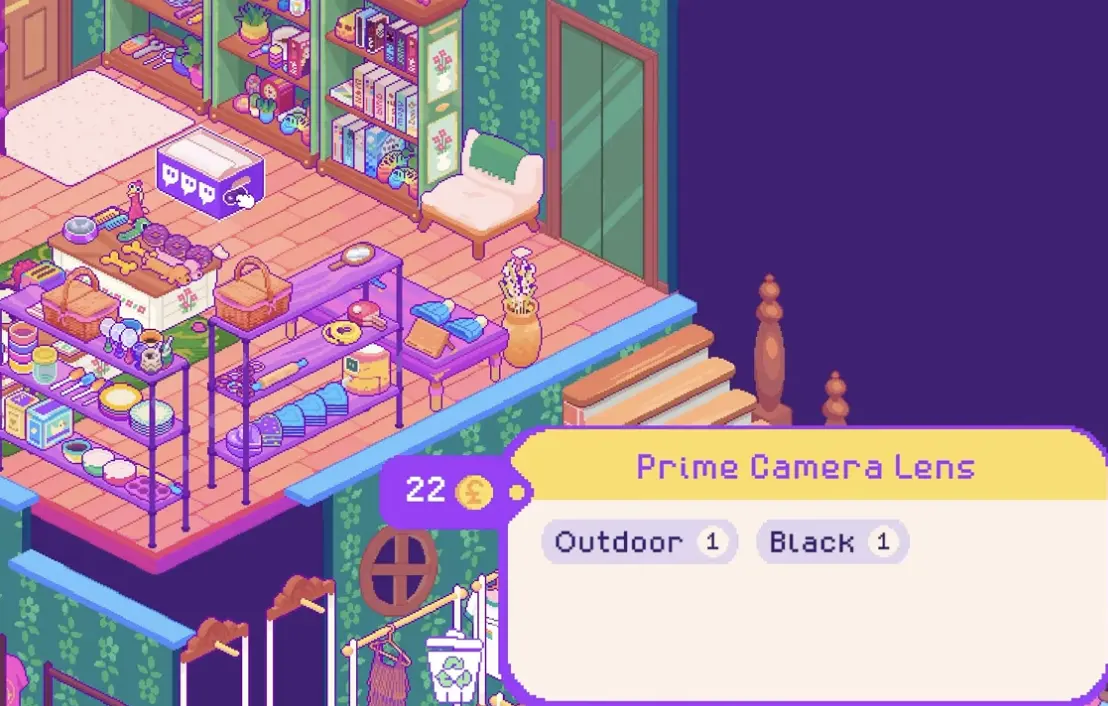
| Lotta | Better lens | Outdoor | Follow-up camera request |
| Jess | Rolling pin | Baking, Kitchen | Kitchen tool request |
| Yuki | Pet bowl | Pet | Pet category request |
| Marsaili | Camping cooker | Camping, Outdoor | Outdoor/camping overlap |
| Isla | Boho dress | Clothing, Vintage, Dress | Clothing request |
| Marc | Handsaw | Household, Crafting | Tool/crafting request |
| David | Dinosaur dress | Dress, Clothing | Clothing request |
| Gwen | Suitcase | Bag, Outdoor | Large bag/travel item |
| Archie | Air fryer | Electronic, Kitchen, Cooking | Appliance request |
| Lotta | Camera strap | Media | Camera-related follow-up |
| Isla | Colorful windbreaker jacket | Jacket, Topwear | Clothing/topwear request |
| Ezra | Dog agility equipment | Sports, Pet | Pet/sports overlap |
| Gwen | Singing bowls | Decoration | Decorative object request |
| Jess | Cake tin | Baking, Kitchen | Baking item |
| Marc | Screwdrivers | Crafting, Household | Tool request |
| Grace | Green vase | Decoration, Ceramic | Color-specific request |
| Lotta | Board game | Games, Toys | Final camera/story-adjacent follow-up |
| Grace | Swimsuit | Clothing, Sports | Clothing/sports overlap |
Lotta, Marc, and Other Multi-Step Requests
Some characters ask for several items over time. These are worth tracking because the next request often stays in a similar theme.
| Character | Request chain | Pattern |
|---|---|---|
| Lotta | Real camera → Better lens → Camera strap → Board game | Starts with camera/outdoor/media items, then moves into games/toys |
| Marc | VHS player → Handsaw → Screwdrivers | Starts with media/electronics, then shifts into tools/crafting |
| Isla | Checkered mini-skirt → Boho dress → Colorful windbreaker jacket | Clothing-focused requests |
| Marsaili | Tent → Camping cooker | Outdoor/camping-focused requests |
| Jess | Rolling pin → Cake tin | Baking/kitchen-focused requests |
| Grace | Green vase → Swimsuit | Starts decoration/ceramic, then moves to clothing/sports |
If a character has already asked for a type of item, keep related boxes in mind. The next request may not use the exact same category, but it often follows a readable theme.
What to Do If an Item Will Not Appear
If you bought the right box and the item did not drop, that does not mean the category is wrong. Box drops are random.
Use this approach:
| Problem | What to do |
|---|---|
| One correct box did not drop the item | Try again; one box is not enough proof |
| The exact category is not available | Buy a related category or wait for the next daily offers |
| You have no display space | Keep the box unopened until you have shelves, rails, or tables |
| The item may be in another color | Try the item anyway if it is the correct object |
| You may have sold it already | Watch future boxes and keep request-looking items |
| Too many requests are active | Focus on one or two characters at a time |
The best fix is usually not “buy every box.” It is buying the closest matching category and staying patient.
Should You Store or Display Request Items?
Usually, display them once you have the right furniture and enough space.
A request item sitting in storage will not help if the customer visits and cannot buy it. But displaying every suspicious item can also create clutter or risk another customer buying it first.
Use this rule:
| Situation | Best choice |
|---|---|
| Active request and the item is easy to replace | Display it |
| Active request and the item was hard to find | Display it clearly, or keep a backup if possible |
| You do not have the right furniture | Store it until you can place it properly |
| You are unsure whether it is a request item | Keep it in a visible “maybe request” area |
| Your shop is overcrowded | Fix display space before opening more boxes |
How to Avoid Losing Request Items
Some request items look like normal stock. A skirt, backpack, dog bed, microwave, or vase may not look special when it first drops.
Good habits:
- check active messages before opening the shop
- keep one copy of unusual items
- do not instantly sell specific-looking objects
- use storage for items you cannot display yet
- group request items with similar categories
- make sure clothing requests have rails
- make sure large kitchen items have tables or shelves
For hard-to-find items, one backup copy can save several days of box hunting.
FAQ
Are request items guaranteed from the right box?
No. The right box category only improves your chances. The exact item still depends on random drops.
Do request item colors need to match exactly?
Usually no. If the requested object is correct, a different color version can still work. The exception is when the request itself names a color. For example, Grace asks for a green vase, so the color matters for that request.
Where do I find the microwave?
Start with Household boxes. If Household is not available, check related appliance or kitchen-adjacent categories.
Where do I find the dog bed?
Start with Pet boxes. Pet boxes can also help with chew toys, collars, pet bowls, and other animal-related requests.
Where do I find the sewing machine?
Try Crafting, Household, or Electronic boxes. If you see practical home or tool-like items in a box preview, it may be worth checking.
What should I do if the item will not drop?
Keep using the closest matching category, try related categories when needed, and wait for new daily offers. Do not assume one failed box means the category is wrong.
Can another customer buy a request item?
Yes, displayed stock can be bought. If the item was hard to find, place it carefully, keep a backup if possible, or wait until you are ready to complete the request.
Should I keep request items in storage?
Only temporarily. Store them if you lack the right furniture or space, but display active request items once the shop can handle them.
Which requests should I focus on first?
Prioritize active requests you already have a good box category for. If a request needs a rare or unclear item, work on easier requests while checking daily offers.
Continue Reading in the Thrifty Business Guide Cluster
This article is part of our Thrifty Business strategy cluster. Use these guides to keep learning the game's core systems and routes.
Discover the best boxes to buy in Thrifty Business. Learn how item tags work, find customer requests, prepare for events, and manage display space.
Progression GuideThrifty Business: Community Points & Events GuideMaster Thrifty Business! Learn how to earn community points, unlock stamp card rewards, expand your shop, and prepare for high-demand events.
Shop LayoutThrifty Business Organization & Shop Score GuideMaster shop layout in Thrifty Business. Learn how to group items by function, increase your shop score, manage furniture, and boost decoration.