Thrifty Business Guide
Thrifty Business: Community Points & Events Guide
Master Thrifty Business! Learn how to earn community points, unlock stamp card rewards, expand your shop, and prepare for high-demand events.
Community points are one of the main progression systems in Thrifty Business, but they are not the same as money.
The simple version is:
Community points unlock shop options. Money buys things.
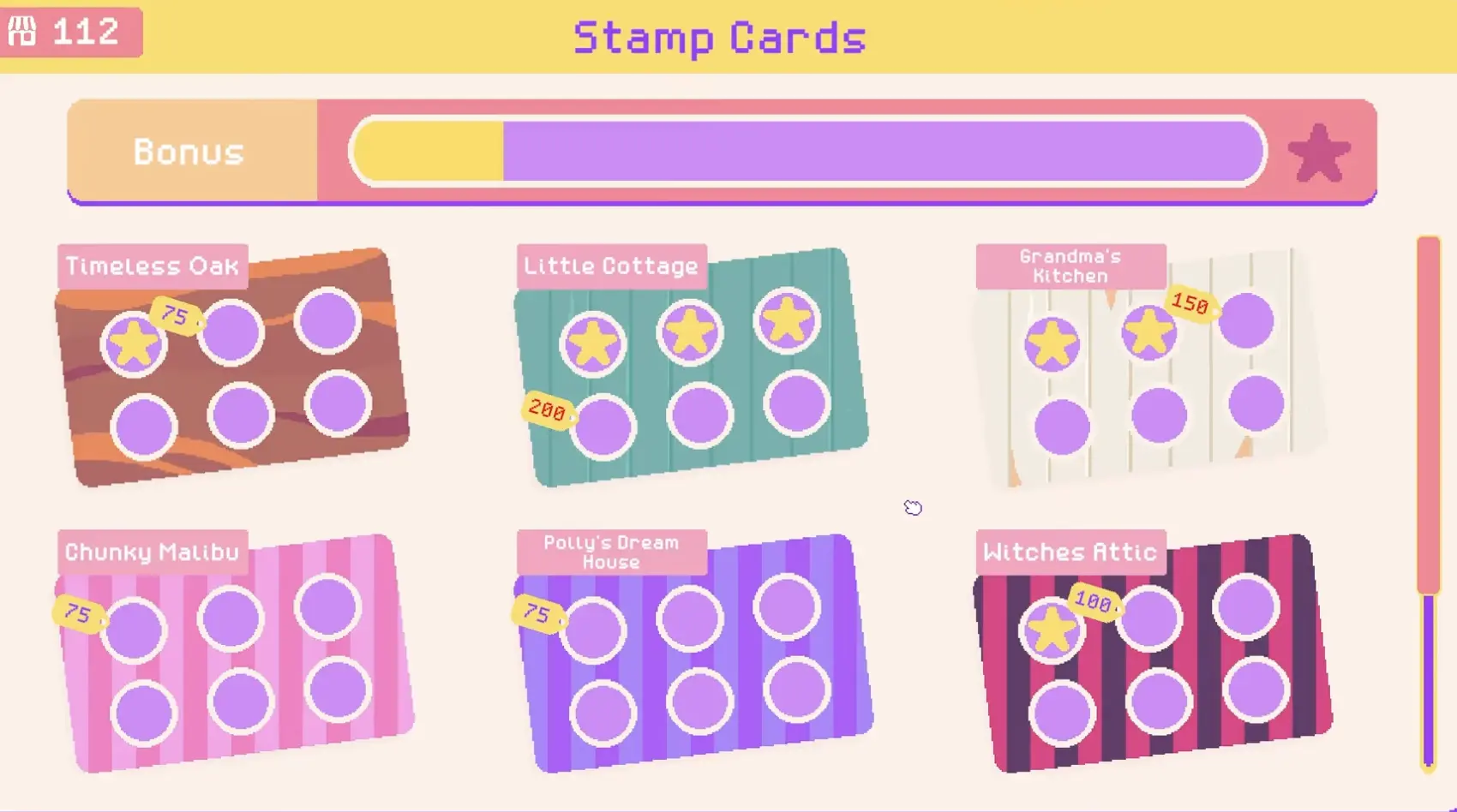
You use community points on stamp cards to unlock furniture, decorations, walls, floors, and themed shop options. After that, many unlocked options still need to be bought or placed through the normal shop systems.
This guide explains how community points, stamp cards, expansion, events, and Twitch features fit together without turning the game into a spreadsheet.
For box planning and event demand, read the Box Categories Guide.
For layout and score, read the Organization and Shop Score Guide.
Fast Answer
| Question | Answer |
|---|---|
| What are community points for? | They unlock stamp card rewards such as furniture, decorations, walls, floors, and themed options. |
| Are community points the same as money? | No. Points unlock options; money is still used for buying boxes, furniture, and expansion. |
| What should I unlock first? | Prioritize unlocks that solve a real shop problem, such as display space or layout flexibility. |
| When should I expand? | Expand when your current space is actually limiting stock, layout, requests, or events. |
| Do Twitch features matter? | Only if you stream. Viewers can visit, donate boxes, and drop trash if Twitch integration is active. |
How Community Points Work
Community points are best understood as an unlock currency.
They help open up new shop options, but they do not replace money. You still need regular cash for the everyday business loop: buying boxes, buying furniture, placing useful displays, and expanding the shop.
| Currency | Main use |
|---|---|
| Community points | Unlock stamp card rewards, themes, furniture options, decorations, walls, and floors |
| Money | Buy boxes, furniture, display pieces, and shop expansion |
This distinction matters because a new player can easily spend points, see a new option unlock, and still wonder why the shop did not instantly change. In many cases, unlocking gives you access to something; it does not mean the item is automatically placed in your shop.
Stamp Cards and What They Unlock
Stamp cards are where you spend community points.
A stamp card usually represents a theme or set of related shop options. As you spend points on the card, you unlock things such as:
- furniture styles
- display pieces
- decorations
- walls
- floors
- themed shop items
The safest early approach is to unlock things that help your shop function better, not only things that look nice.
These are practical examples of unlocks you may see or prioritize, not official in-game category names.
| Example unlock | Why it can matter |
|---|---|
| Clothing rails | Let you properly display skirts, dresses, shirts, and jackets |
| Shelves | Give small items, toys, books, and decorations more display space |
| Tables | Help with larger kitchen, crafting, household, or appliance items |
| Decorations | Can support themes and presentation |
| Walls and floors | Better for visual identity once your shop basics are stable |
| Themed pieces | Useful when you are building a clear shop style or event space |
Not every unlock has the same practical value at the same time. If your shop is overflowing with clothing, a rail is more useful than a wall pattern. If your shelves are empty, another decorative theme may not help much yet.
How to Earn More Points
The most reliable way to earn more community points is to run a shop people like using the systems the game already rewards: stock, organization, requests, cleanup, and events.
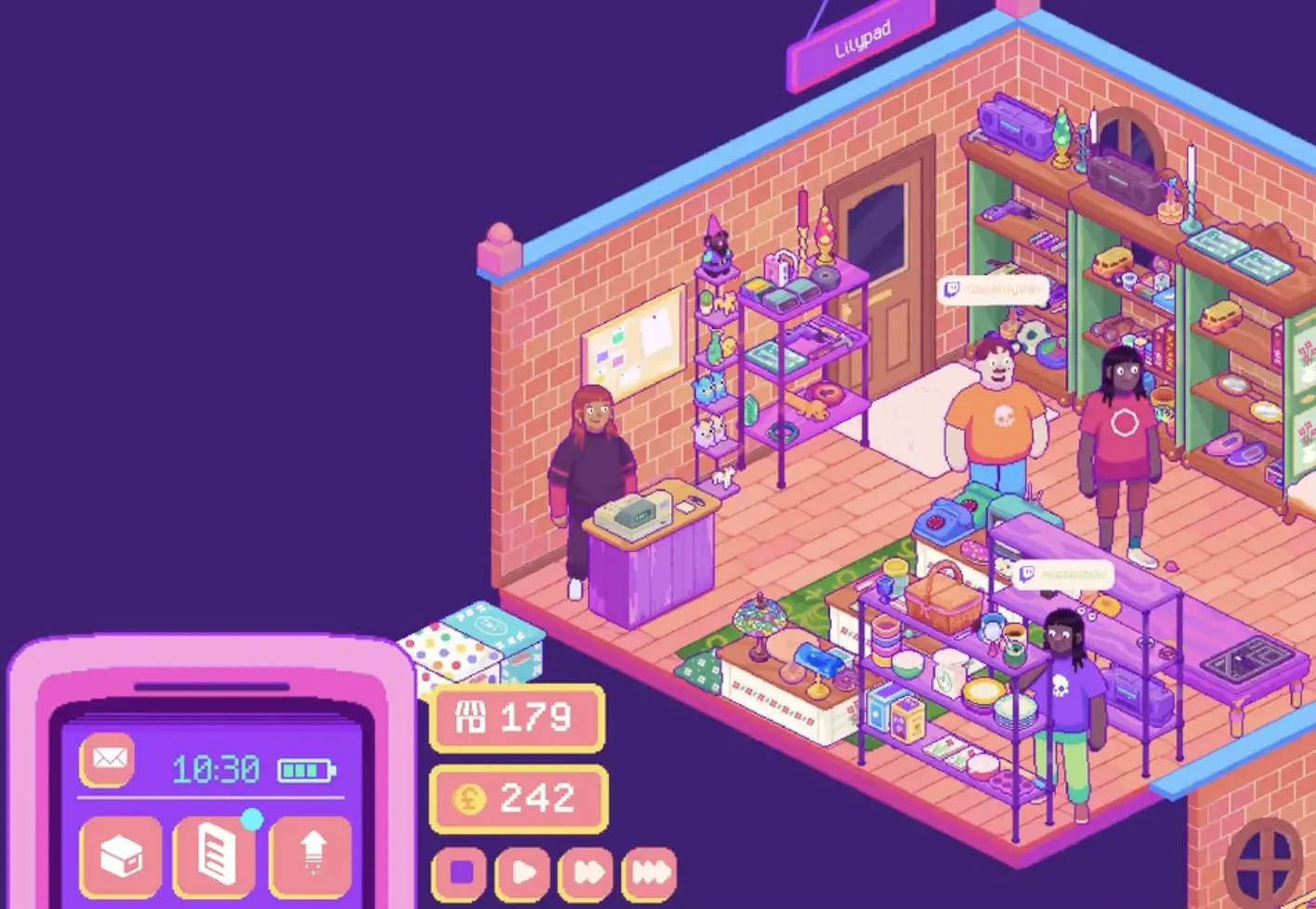
Focus on:
- keeping useful items on display
- grouping similar items together
- completing customer requests
- cleaning up trash
- improving shop score categories
- preparing stock for events
- using Twitch interactions if you are streaming
Trash is worth paying attention to because it is part of the cleanup loop. If trash appears in your shop, clean it before ending the day or before starting an event. If Twitch integration is active, viewers can also drop trash, but treat it as the same practical problem: clean it up and keep the shop usable.
Do not build your entire point strategy around one source. A better shop, better layout, and better event preparation will usually matter more than chasing one trick.
When to Expand Your Shop
Expansion is useful when space is the thing holding you back.
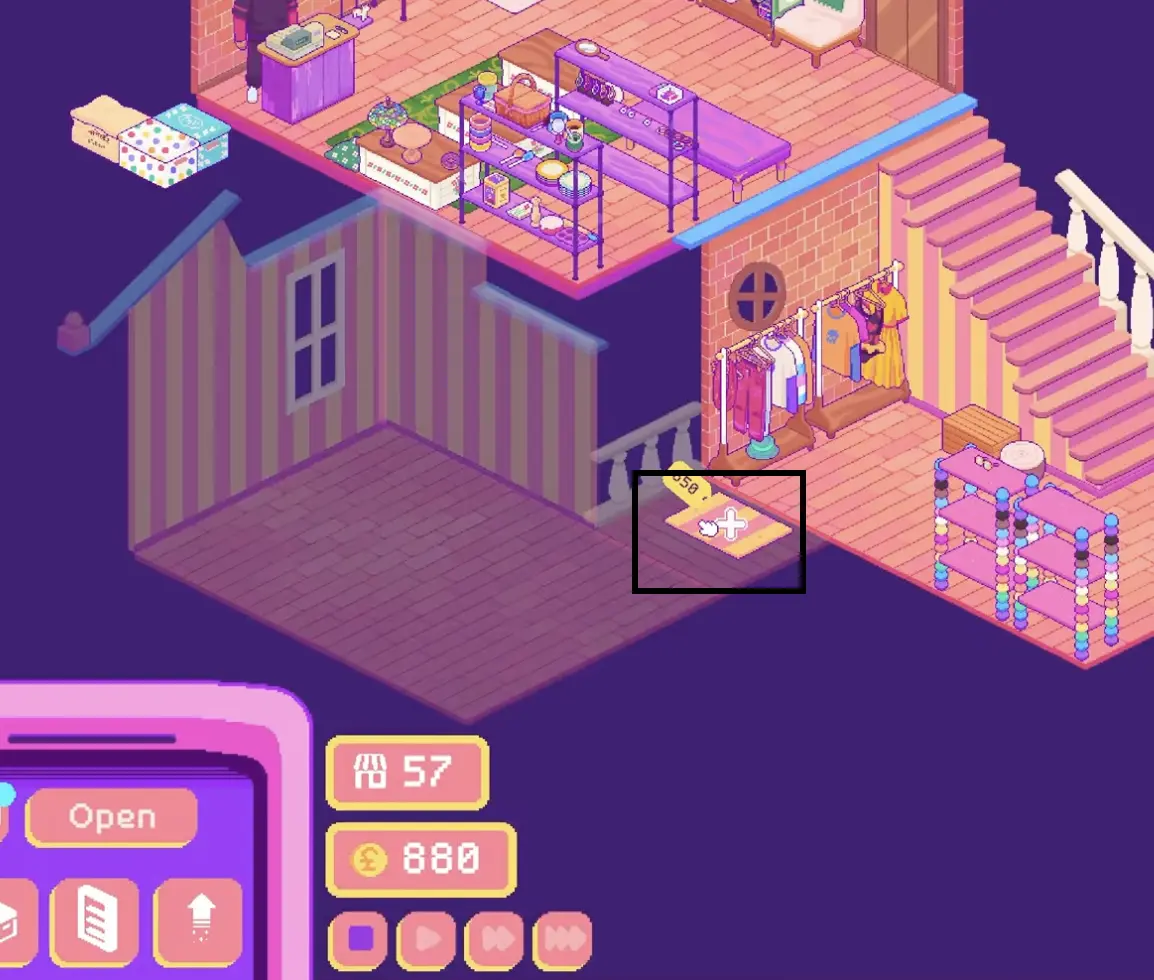
Expand when:
- useful items are stuck in storage
- you cannot place enough shelves, rails, or tables
- request items are hard to display
- events feel too cramped
- strong categories need separate areas
- you can still afford furniture after expanding
Do not expand just because the option appears. A bigger empty room does not fix a weak layout. If you spend all your money on expansion and cannot afford shelves or rails afterward, the new space may not help immediately.
A good rule is:
Expand when you already know what the new space is for.
For example, you might expand to create a clothing room, an event area, a pet corner, or a separate kitchen and household section.
How Events Work
Events are special shop activities that bring more activity into your store and can connect to progression, demand, and community interaction.
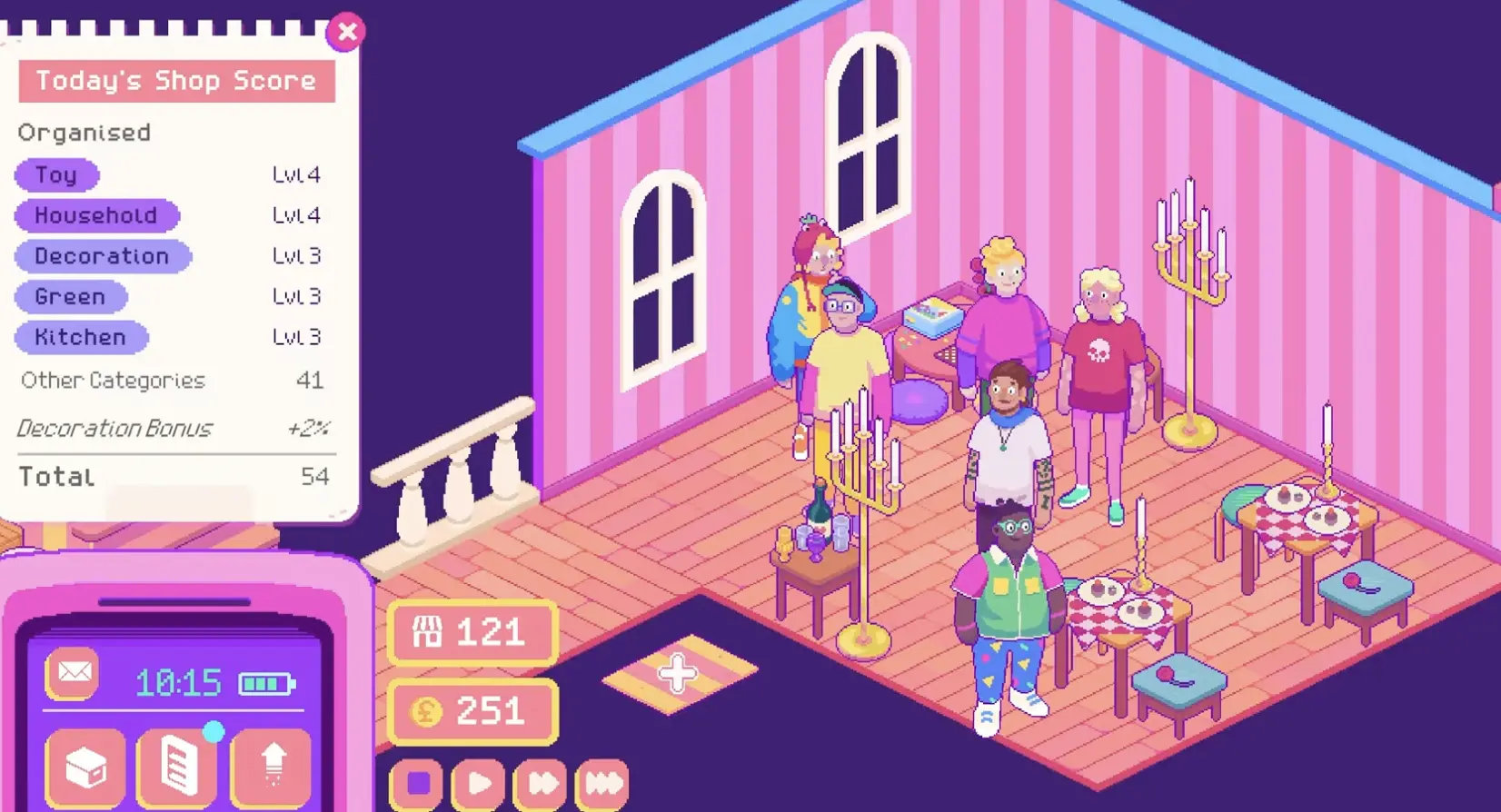
The most important event strategy is preparation. Events can increase demand for a specific item genre, and the calendar can show that demand before the event day. That means you should check the calendar, buy matching boxes, and display relevant items before the event starts.
Use this event prep table:
| Before an event | Why it matters |
|---|---|
| Check the calendar | See which item genre may have increased demand |
| Buy matching boxes | Stock items people are more likely to want |
| Keep boxes unopened if space is full | Avoid clutter until you can display items properly |
| Clear walking space | Guests need room, especially in small shops |
| Place relevant stock | Event demand only helps if items are actually available |
| Clean trash first | A messy shop is harder to manage during busy moments |
Events are worth doing once your shop has enough space and stock to support them. If your store is still cramped, focus on furniture, boxes, and requests first.
For box planning around event demand, read the Box Categories Guide.
Twitch Features
Twitch integration is optional. It matters for streamers, not for normal solo progression.
If enabled, viewers can interact with the shop in several ways:
| Feature | What it adds |
|---|---|
| Visit | Viewers can appear in the shop as visitors |
| Donate boxes | Viewers can send boxes to your shop |
| Donate boxes with tags | Viewers can influence the kind of box or item category |
| Drop trash | Viewers can leave trash in the shop |
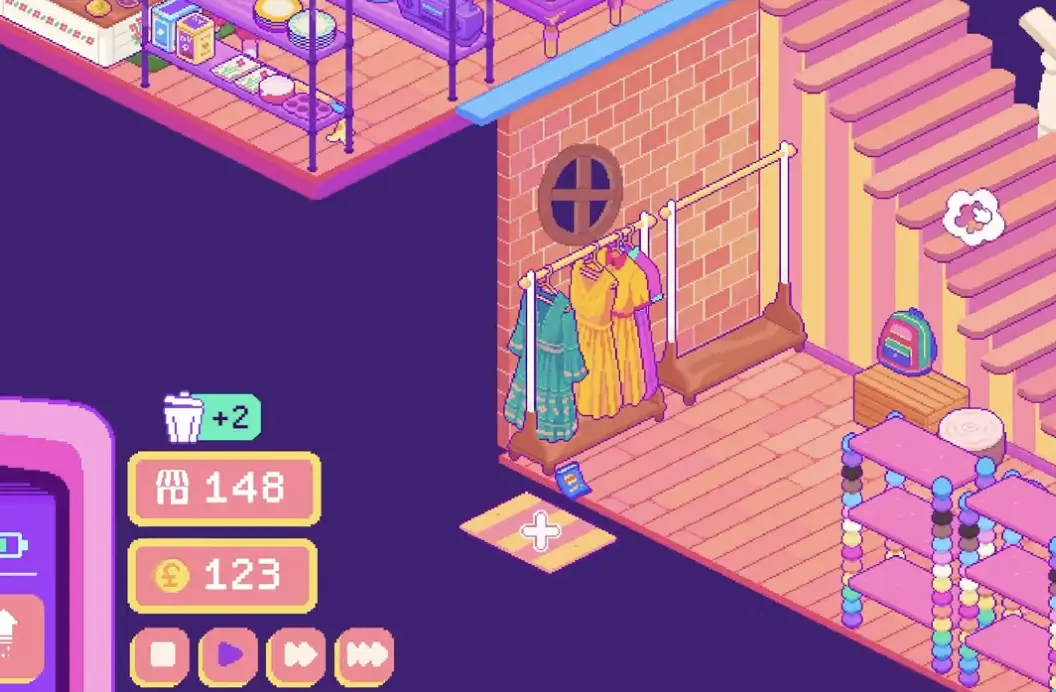
The useful part is that Twitch can add more activity and more stock variety. The risky part is clutter. If chat sends too many boxes or drops too much trash, your shop can become harder to manage.
Use Twitch features as a fun community layer, not as the foundation of your strategy. You still need shelves, organization, request items, and event prep.
FAQ
What are community points used for?
Community points are used on stamp cards to unlock shop options such as furniture, decorations, walls, floors, and themed rewards.
Are community points the same as money?
No. Points unlock options. Money is still used to buy boxes, furniture, expansion, and other practical shop needs.
Why did I unlock something but not see it in my shop?
Some unlocks give access to new options rather than placing the item automatically. Check the relevant shop or furniture menu after spending points.
What should I unlock first?
Unlock whatever solves your current bottleneck. If clothes are piling up, rails matter. If small items are crowded, shelves matter. If your layout is stable, decorations and themes become more useful.
When should I expand?
Expand when your current shop is genuinely too cramped and you can still afford furniture for the new space. Do not expand just because the option is available.
How do events affect box buying?
Events can increase demand for a specific item genre. Check the calendar before the event, buy matching boxes, and display relevant stock before opening.
Do I need Twitch integration?
No. Twitch features are optional. They are useful for streamers because viewers can visit, donate boxes, and drop trash, but they are not required for normal progression.
Can Twitch interactions help progression?
They can add activity, boxes, and cleanup moments, but they can also create clutter. Treat Twitch features as a bonus layer, not as a replacement for good shop management.
Continue Reading in the Thrifty Business Guide Cluster
This article is part of our Thrifty Business strategy cluster. Use these guides to keep learning the game's core systems and routes.
Find every Thrifty Business customer request item. Learn which boxes to buy for Lillian, Isla, Marc, and others to get the exact items they need.
Items & BoxesThrifty Business Box Guide: Categories, Tags & DropsDiscover the best boxes to buy in Thrifty Business. Learn how item tags work, find customer requests, prepare for events, and manage display space.
Shop LayoutThrifty Business Organization & Shop Score GuideMaster shop layout in Thrifty Business. Learn how to group items by function, increase your shop score, manage furniture, and boost decoration.